



Take KHQR into your own account
Connect a store’s ABA PayWay or Bakong account: the POS shows a KHQR with the exact amount, and the order marks itself paid.
- Who
- The owner
- Where
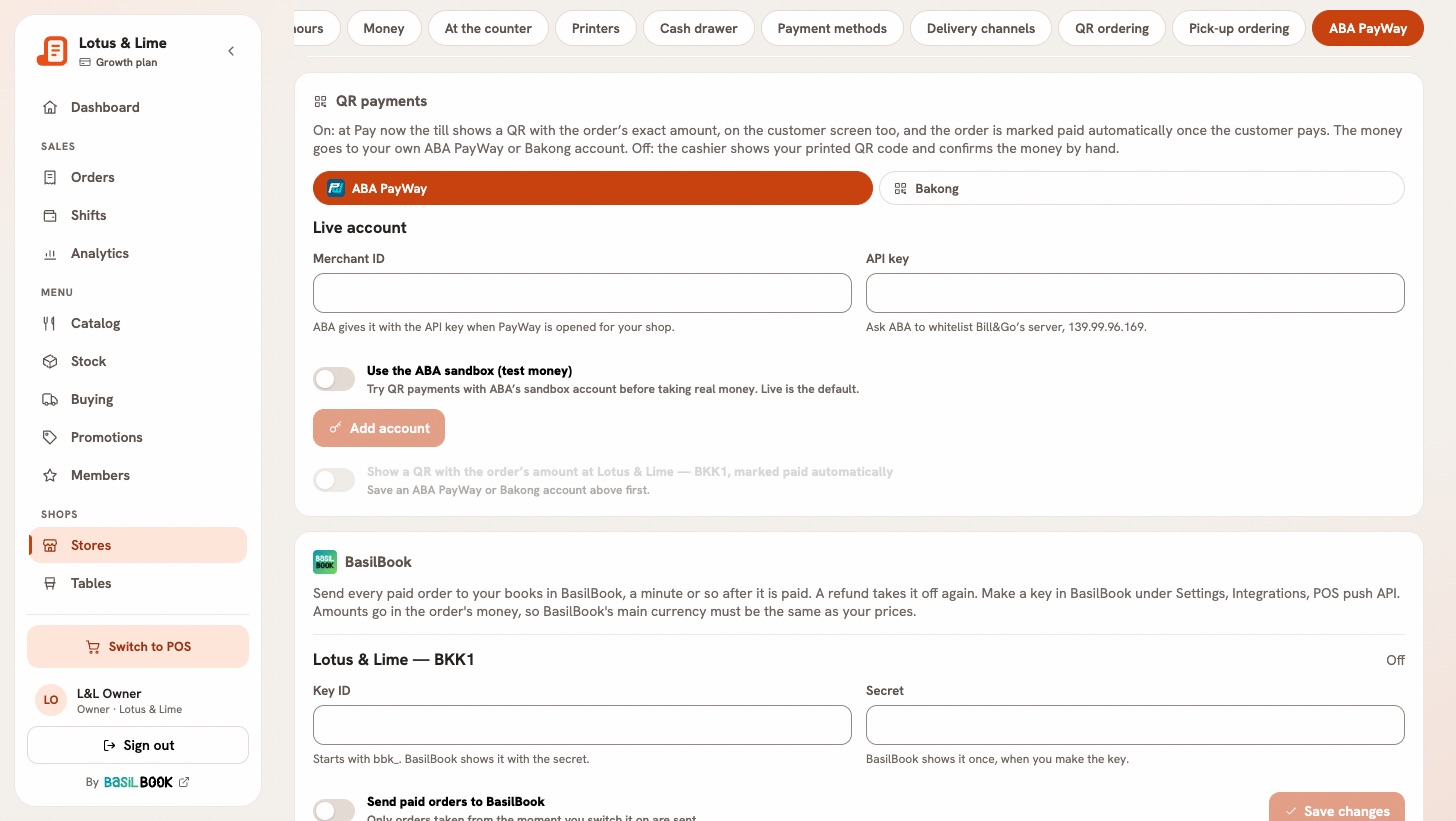
- Console → Stores → the store → ABA PayWay; Console app → Manage → Stores → the store → Connections
Each store can take KHQR into its own account. The money goes straight to that account, not through Bill&Go. With no account, the QR method still works: the cashier shows your printed QR and confirms the money by hand.
Connect the account
- Open the store’s ABA PayWay tab. The card is called QR payments.
- Under Where the money goes, pick ABA PayWay or Bakong.
- For ABA PayWay, type the Merchant ID and API key that ABA gave you when it opened PayWay for your shop, and ask ABA to whitelist Bill&Go’s server: the address is shown beside the key.
- For Bakong, type the Bakong account ID, like shop@aba. It is in your bank app, under your Bakong or KHQR account.
- Press Add account.
- Switch on Show a QR with the order’s amount. It saves when you flip it.
A POS left open picks up the change when it next comes to the front or opens the pay window. Nobody has to sign in again.
At the POS
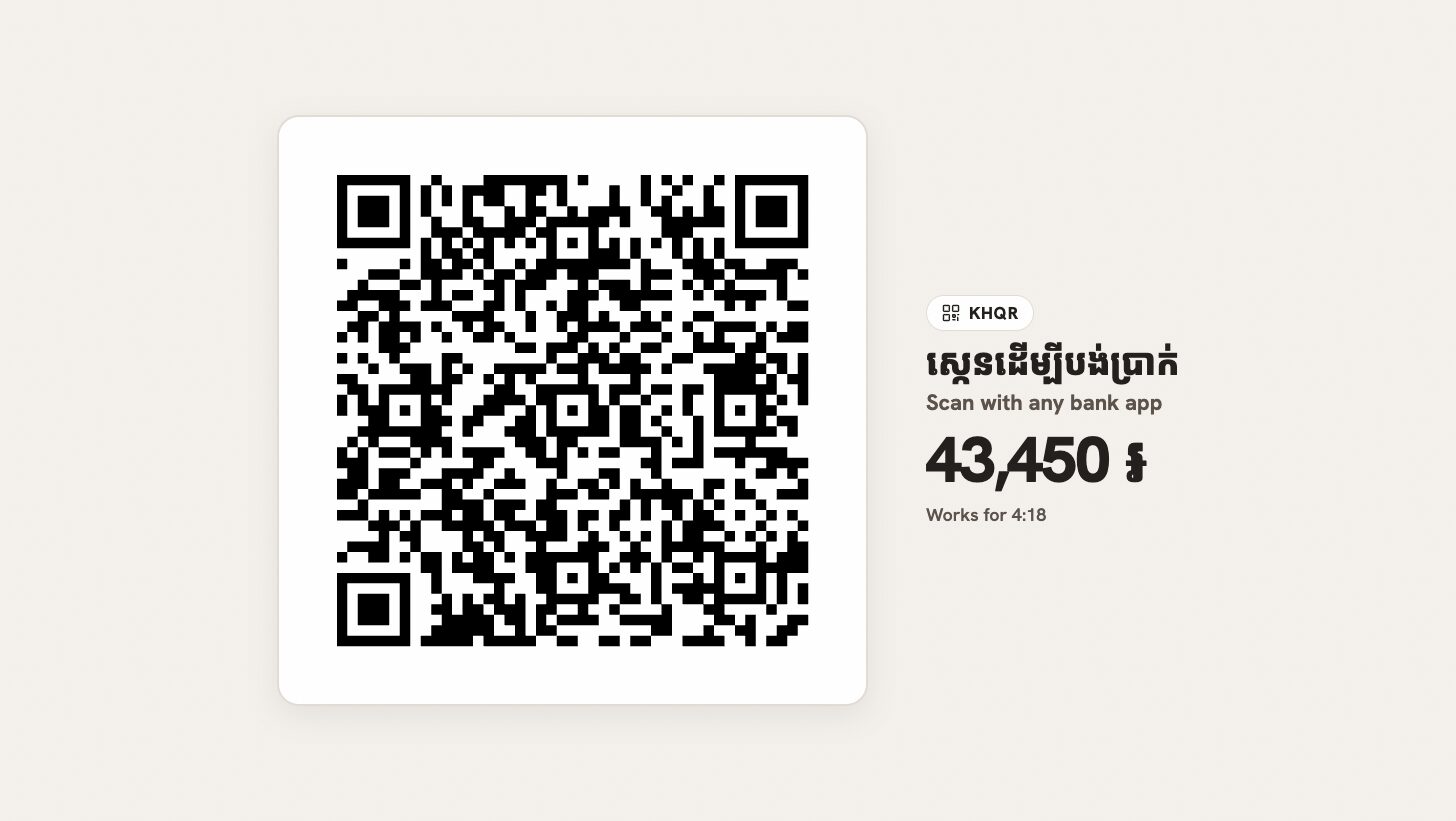
- Pick the QR method in the payment window. On a new order, press Show the KHQR: this sends the order to the kitchen, so show it once the customer is ready to pay.
- The customer scans it with any bank app, on the screen or on the customer screen.
- The payment confirms itself once the money is in, and the receipt prints.
A KHQR works for 5 minutes. When it runs out, press New QR. If the bank is slow to answer, Confirm by hand finishes it. Each share of a split bill gets its own KHQR for its own amount.
Try it first with ABA’s sandbox
Switch on Use the ABA sandbox (test money) and add the Sandbox merchant ID and Sandbox API key that ABA sent you. ABA’s email calls the key the Public Key. Until you switch it off, the consoles show a warning and the POS says Sandbox: test money, not a real payment.
A sale paid with test money runs like a real one, is marked Test, not a sale on the POS and on the bill, and stays out of every report and total. Its stock still moves.
Good to know. KHQR takes riel and US dollars only. QR payments come with Starter and above; a connection keeps working if you move to a smaller plan. If a QR could not be made, the card says why.
Still stuck?
Tell the Bill&Go team in Phnom Penh what you were trying to do, and we'll walk you through it.