




Every part of Bill&Go, in one place.
From the counter to the kitchen, the owner’s phone and every branch: here is each part, with a picture of it. Start free; a shop pays to grow, or for its connections.
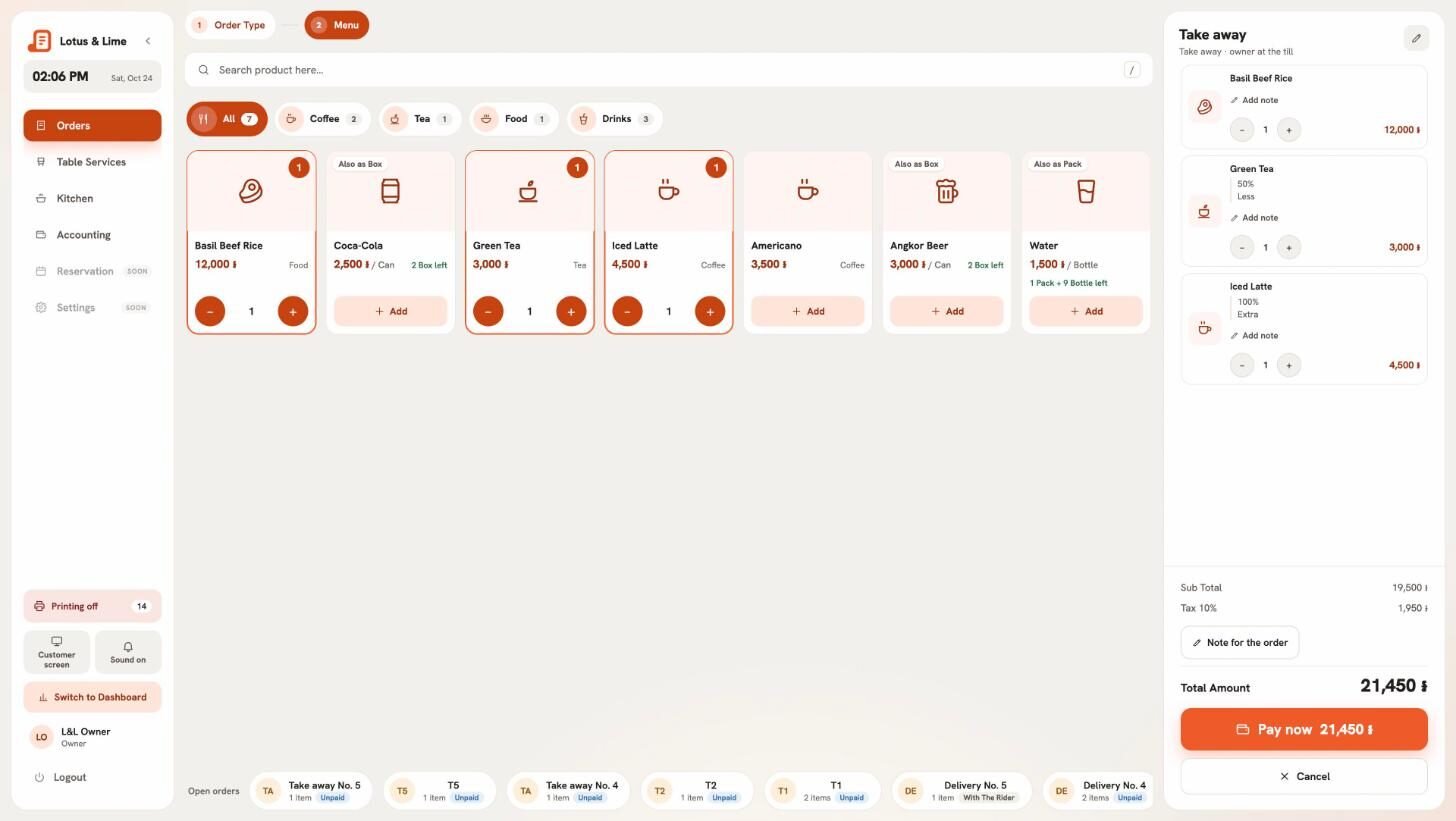
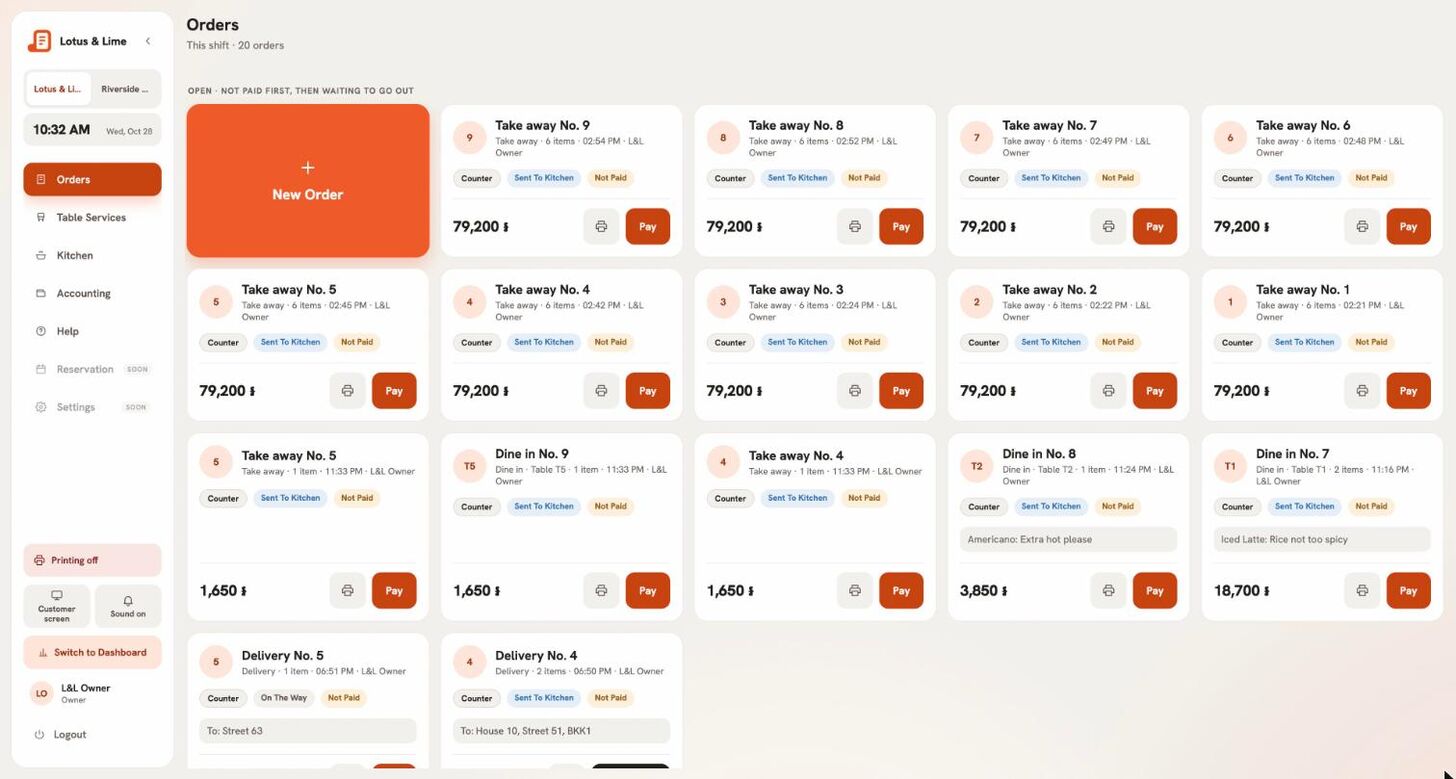
The POS, at the counter.
Ring up in a web browser on any screen at the counter, or in the Bill&Go POS app on a tablet or phone. The same orders, the same menu, the same shift.
- Every required choice checked, sugar and ice in one tap
- Deals applied by Bill&Go, never typed in
- Khmer and English names on the screen and the paper
The console, and its app.
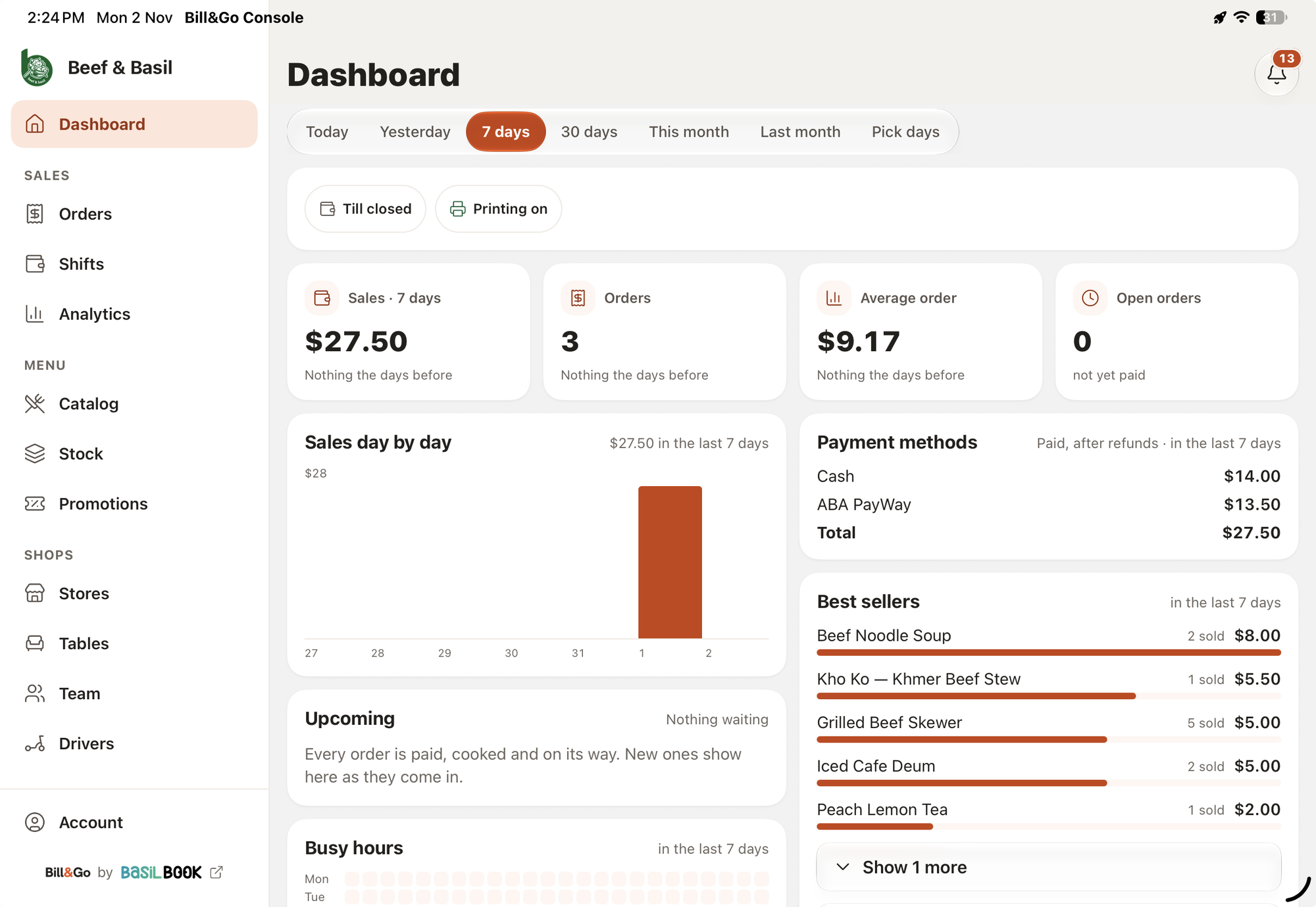
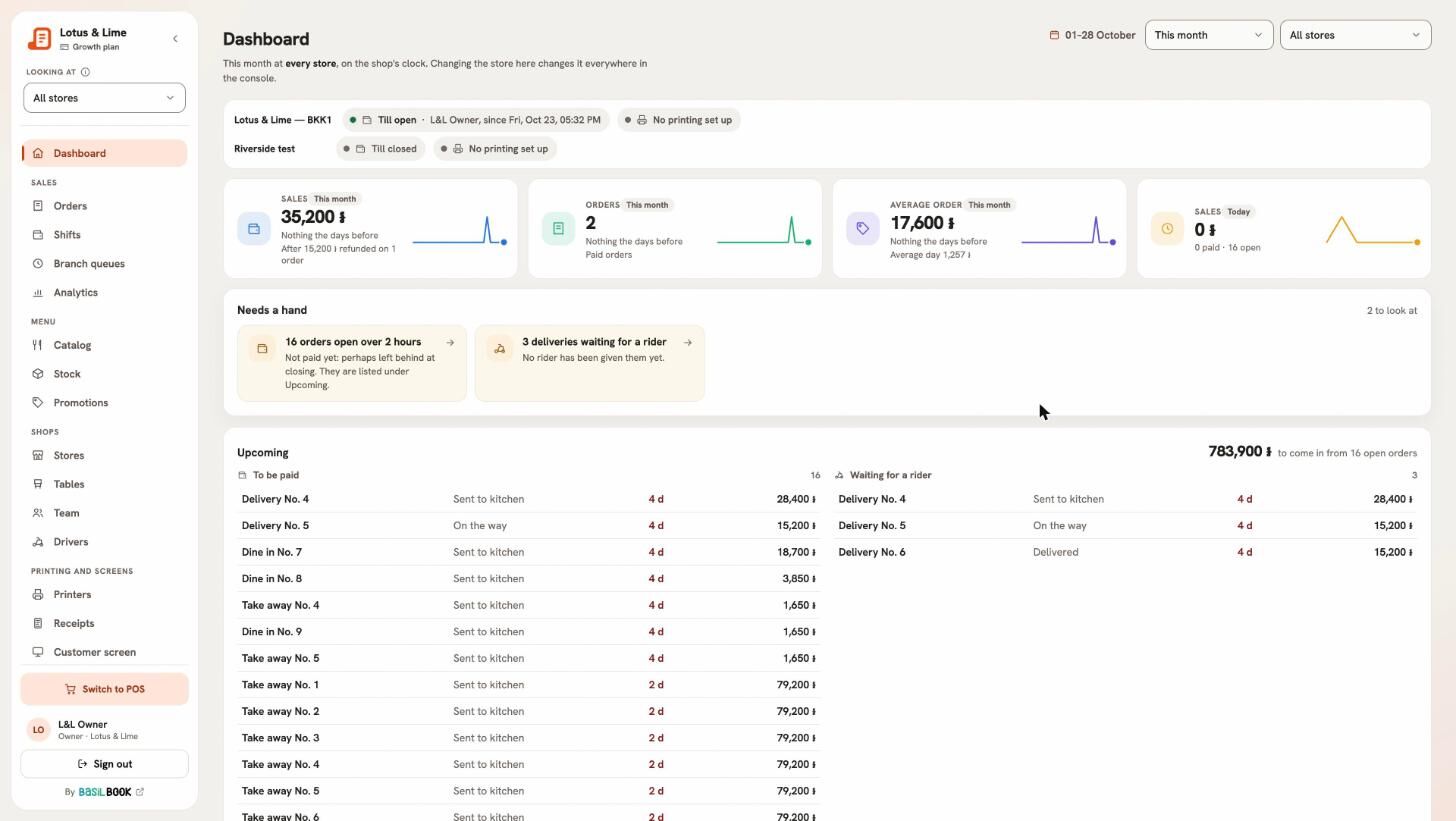
Owners and managers run the shop from the console in a web browser, or from the Bill&Go Console app on their phone: today’s sales, orders as they happen, and a word when one needs a hand.
- Sales, orders and the average order, today and any day
- What is running at each branch, live
- Notifications for online orders, quiet at night
The kitchen, on paper or a screen.
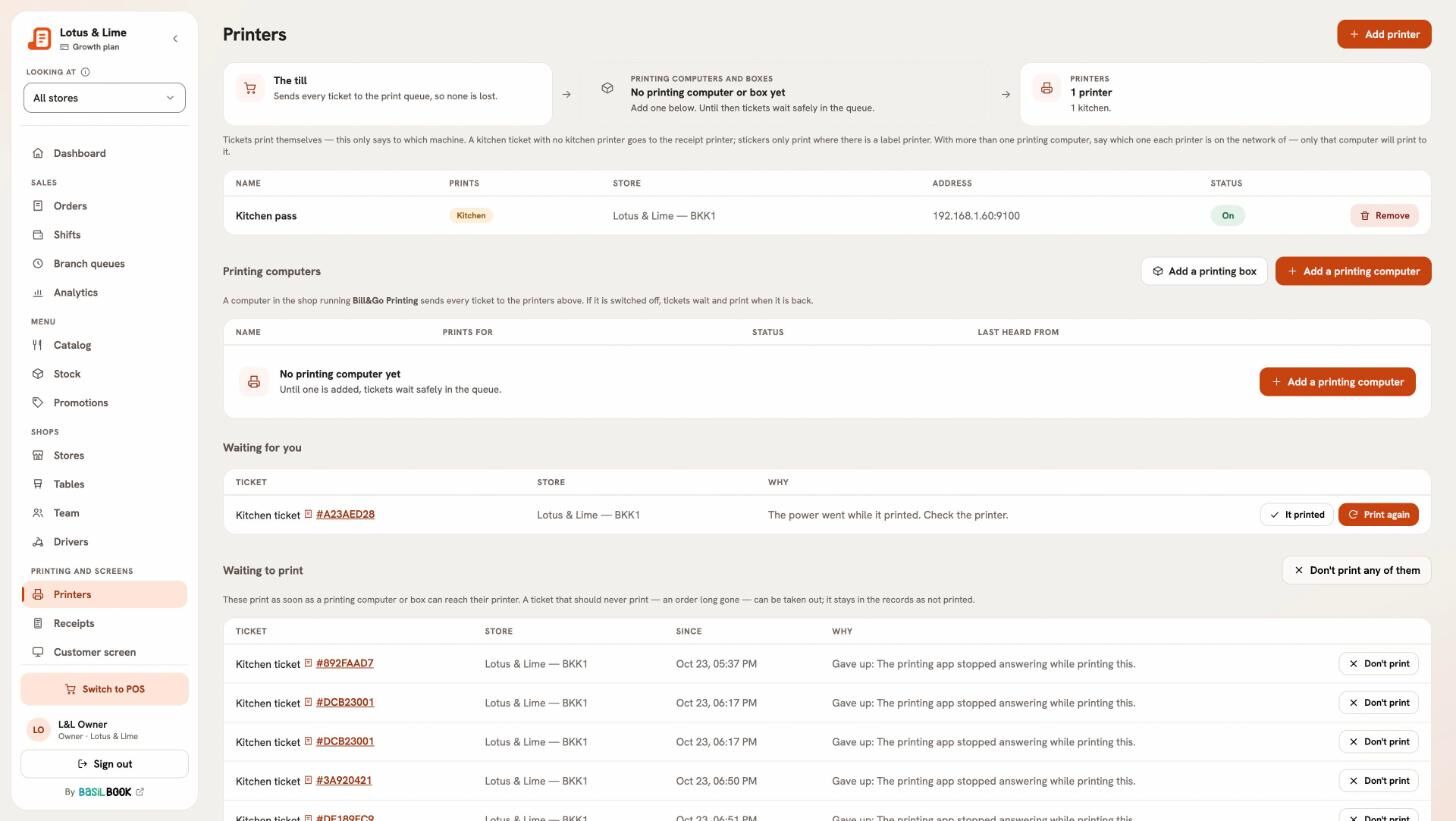
Each order’s kitchen ticket prints on the right printer the moment it is sent: drinks to the bar, food to the kitchen. Or cooks work from the kitchen board instead of paper.
- A dish taken off or an order voided prints for the kitchen too
- The board: oldest first, marked cooking, then ready
- Call numbers said with the order type: “Take away No. 2”
Printing that keeps every ticket.
Bill&Go Printing on a Windows or Mac computer, or a Printing Core box, prints to your receipt, kitchen and cup-sticker printers with no print dialog.
- A printer that is off: its tickets wait and print when it is back
- A printer is known by its MAC, so a new IP does not lose it
- Bills, kitchen tickets and cup stickers, each to its own paper
Menu and stock.
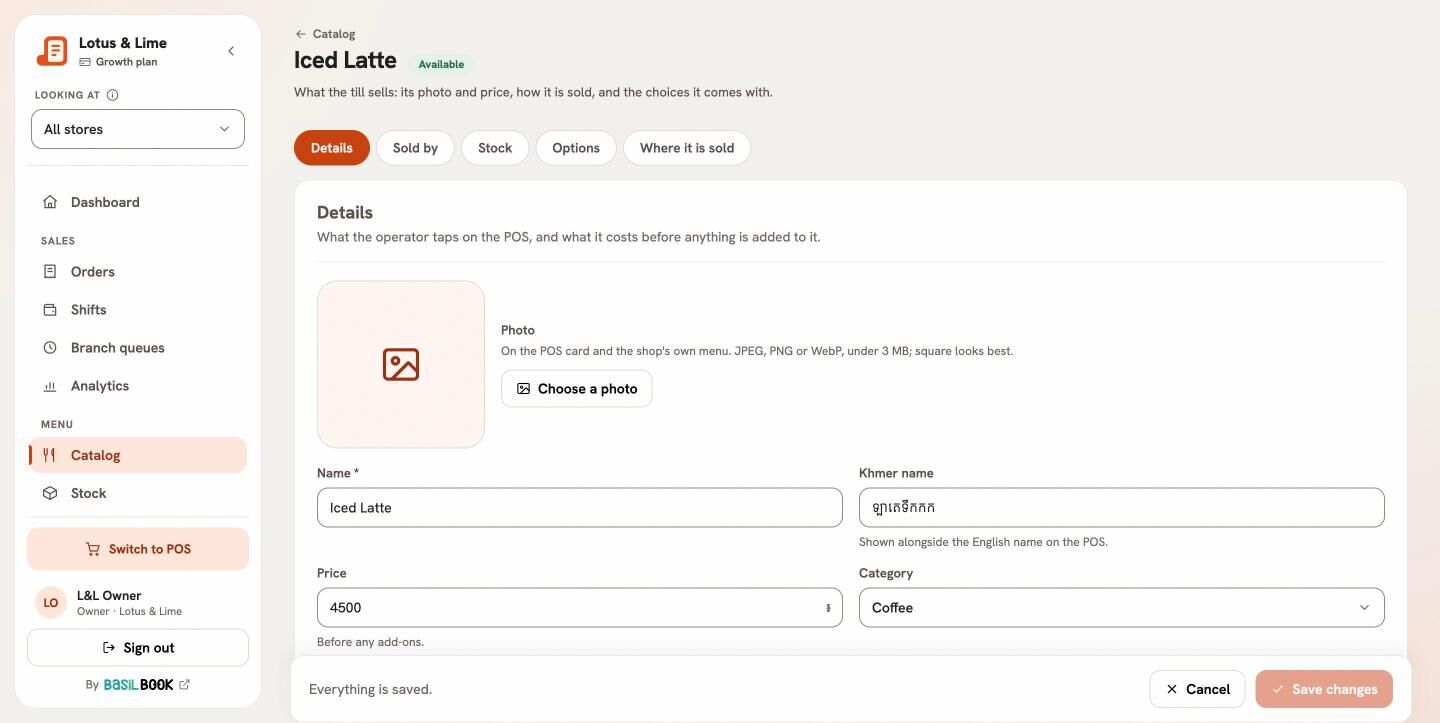
Products with their choices and add-ons, in English and Khmer. Each branch sells the whole menu or only what you pick for it, and stock is counted per branch.
- Required choices with a default, checked again by the server
- Stock counted as the shelf is: boxes and single cans
- A sale never waits on stock
Tables and QR ordering.
See at a glance which tables are free and which are busy, and what each one has run up. Customers can order from the QR code on their table, straight to the POS.
- Open orders stay with their table until paid
- A table’s QR order arrives at the POS like any other
- Turned on per branch
Online and pick-up orders.
Orders from your website or app arrive at the POS with a chime. Accept one and its kitchen ticket prints. Customers can also order ahead and pick up at the counter.
- Accept or turn down, with the time it will be ready
- An app order not accepted in time moves to the quickest branch
- A pick-up order stays at the branch the customer chose
Delivery apps and your own riders.
Pick who delivers when you ring the order: Grab, foodpanda, WOWNOW, Nham24, E-GetS or your own rider. Bill&Go works out each app’s cut, so you see what you really kept.
- Each app’s rate set once, never on the customer’s bill
- Your riders take their trips in the Bill&Go Rider app
- A delivery past your radius is refused at the POS
Payments in two monies, and QR.
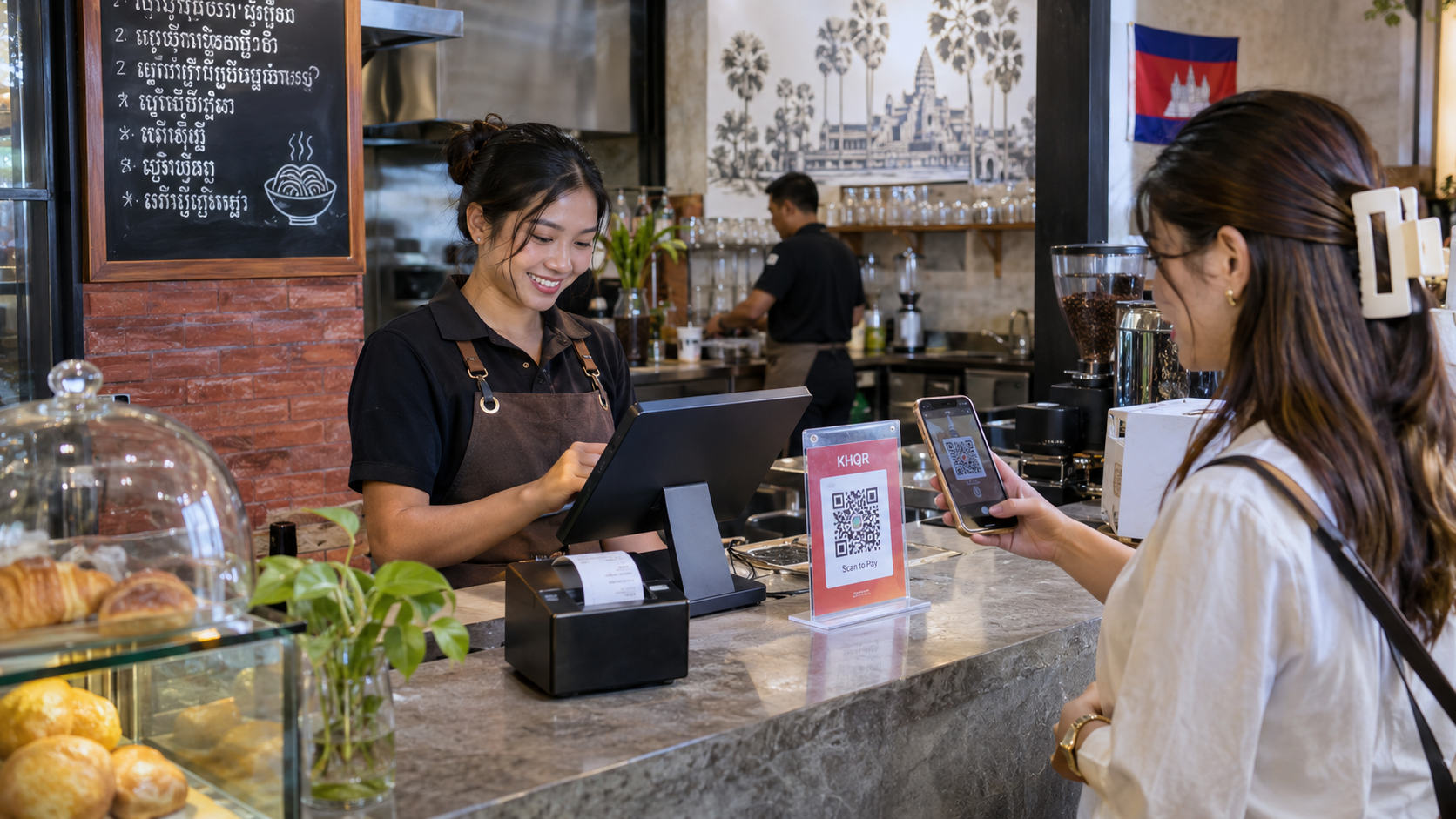
Customers pay in dollars, riel or both in one payment, and the POS works out the change at your rate. A KHQR code from ABA PayWay or Bakong lands in your store’s own account.
- Change in whole dollars first, the rest in riel
- Each store its own money, second money and rate
- Refunds kept to owners and managers
Shifts and the cash drawer.
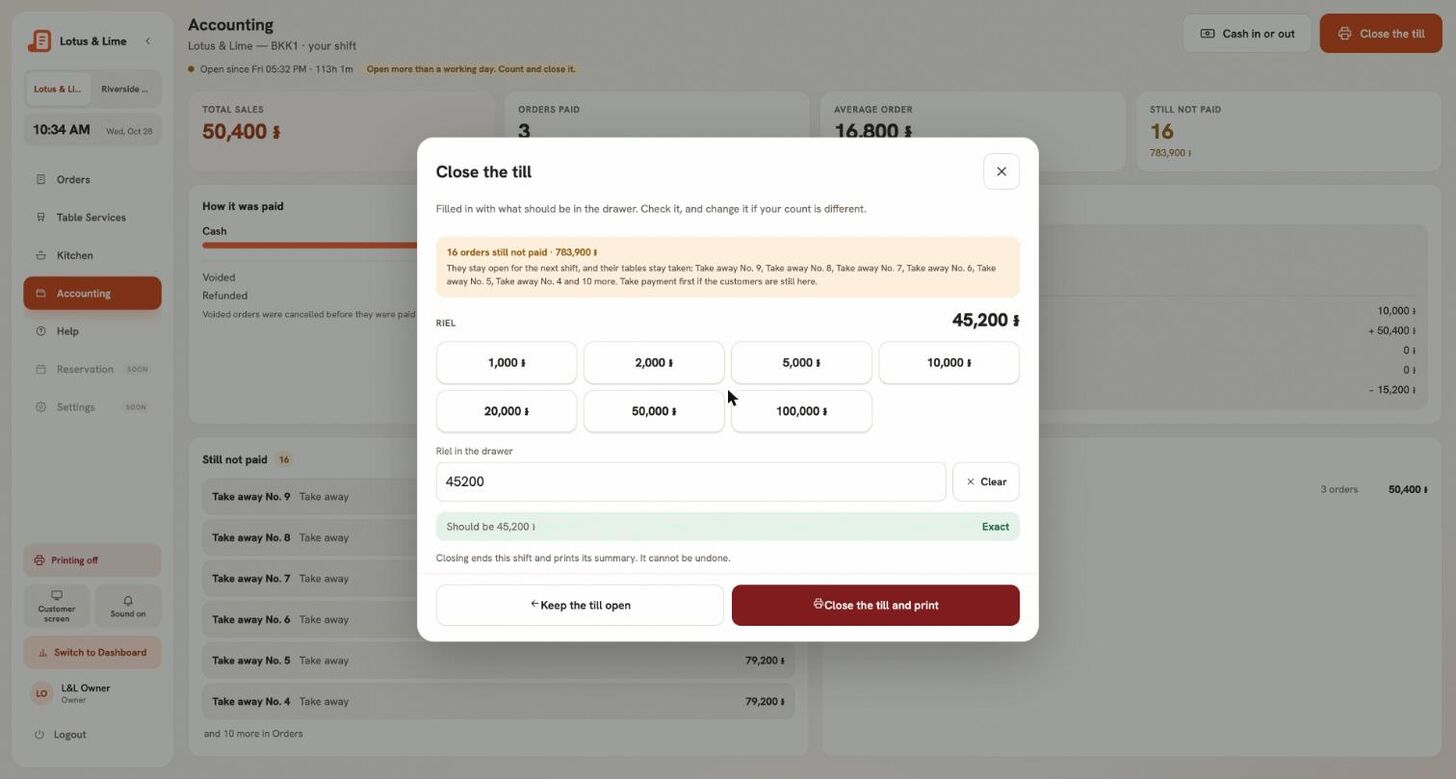
The POS belongs to whoever opened the shift. At the close the drawer is counted per money against what it should hold, and the shift slip prints.
- Cash in and cash out, each with a reason
- Expected, counted and the difference, per money
- Every closed shift kept in the console
Deals that apply themselves.
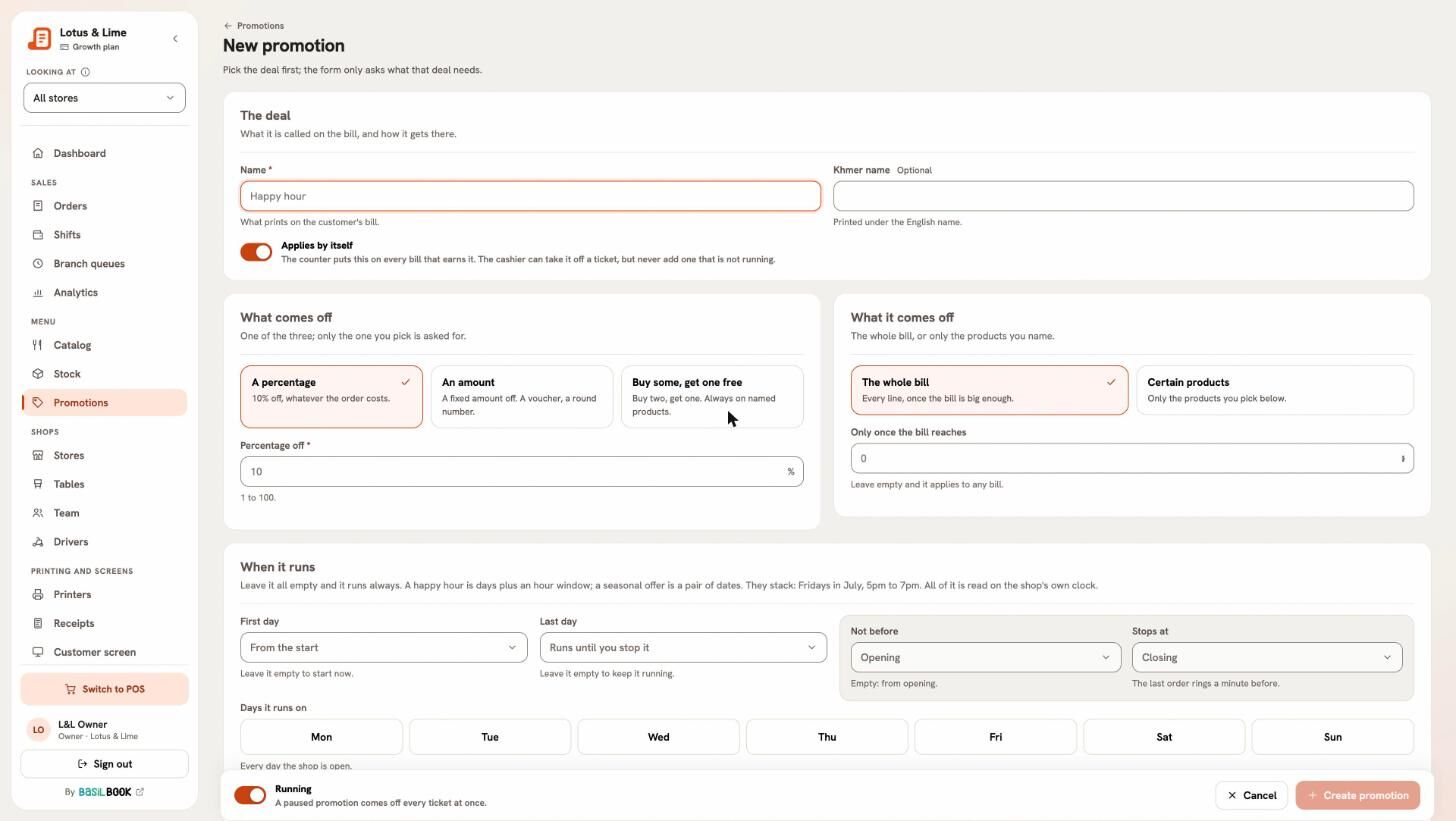
Happy hours by day and time, buy two get one, a deal for the counter only. Bill&Go applies them to the order; the POS may only decline one.
- Discounts never stack on each other
- Tax on the price after the discount
- Each deal for every branch, or the ones you pick
Reports and analytics.
Sales day by day, the busy hours, best sellers and how people paid, for one branch or every branch side by side.
- Delivery sales, commission and what you kept, app by app
- In your shop’s own time zone and money
- The same figures as the shift slip
Telegram reports.
From the Starter planEach sale and refund in your sales group, each closed shift and the day’s report in your managers’ group, as they happen.
- The day’s takings against last week
- Orders by way and how they were paid
- Each post with a button to open it in the console

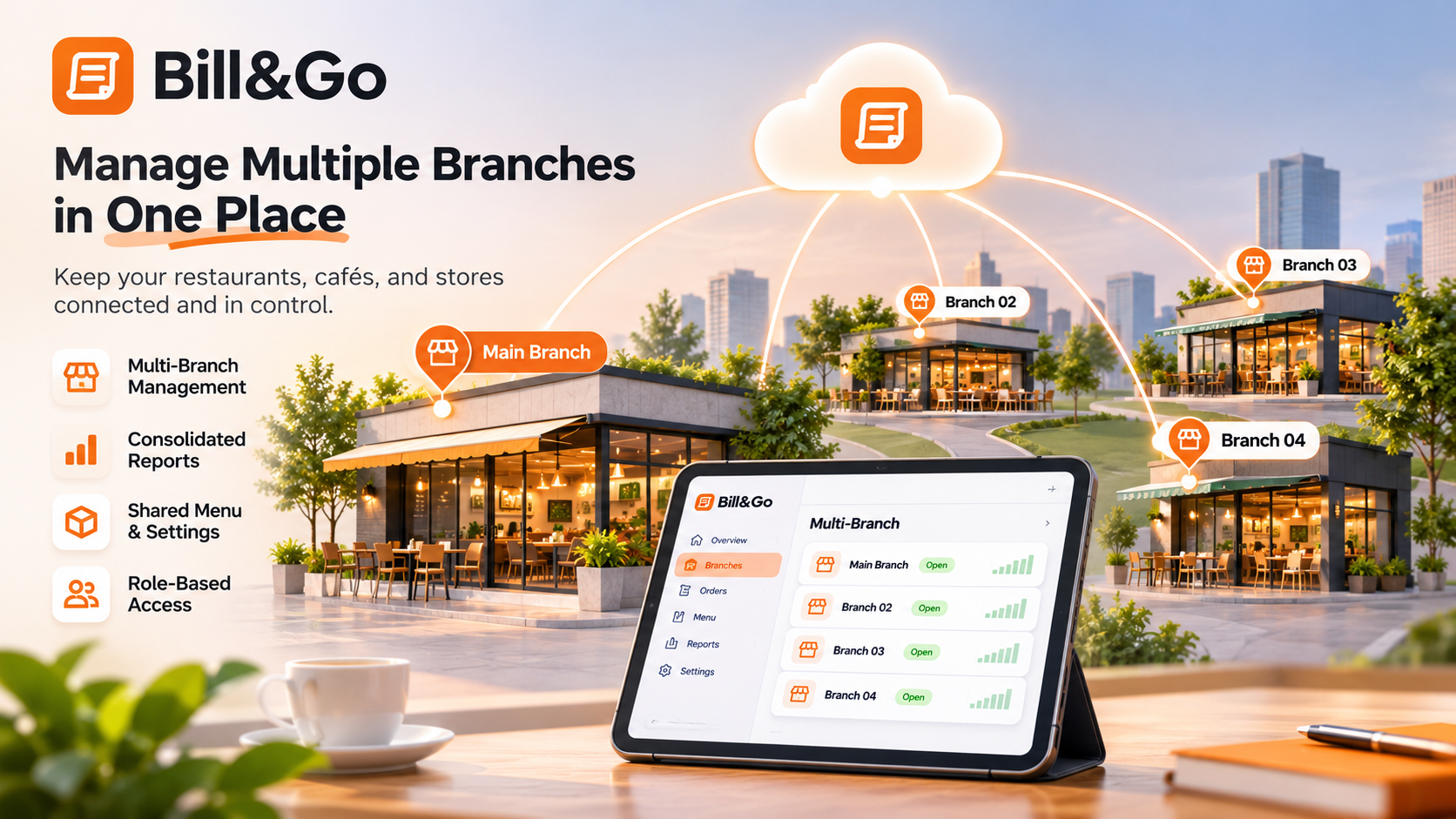
Every branch, one account.
Open a second shop without starting over. Each branch keeps its own tables, cash drawer, stock and printers; your menu, team and reports stay in one Bill&Go.
- Each branch its own money, rate, call numbers and PayWay
- Sales side by side, or one branch at a time
- People work at the branches they are given
The team, each in their place.
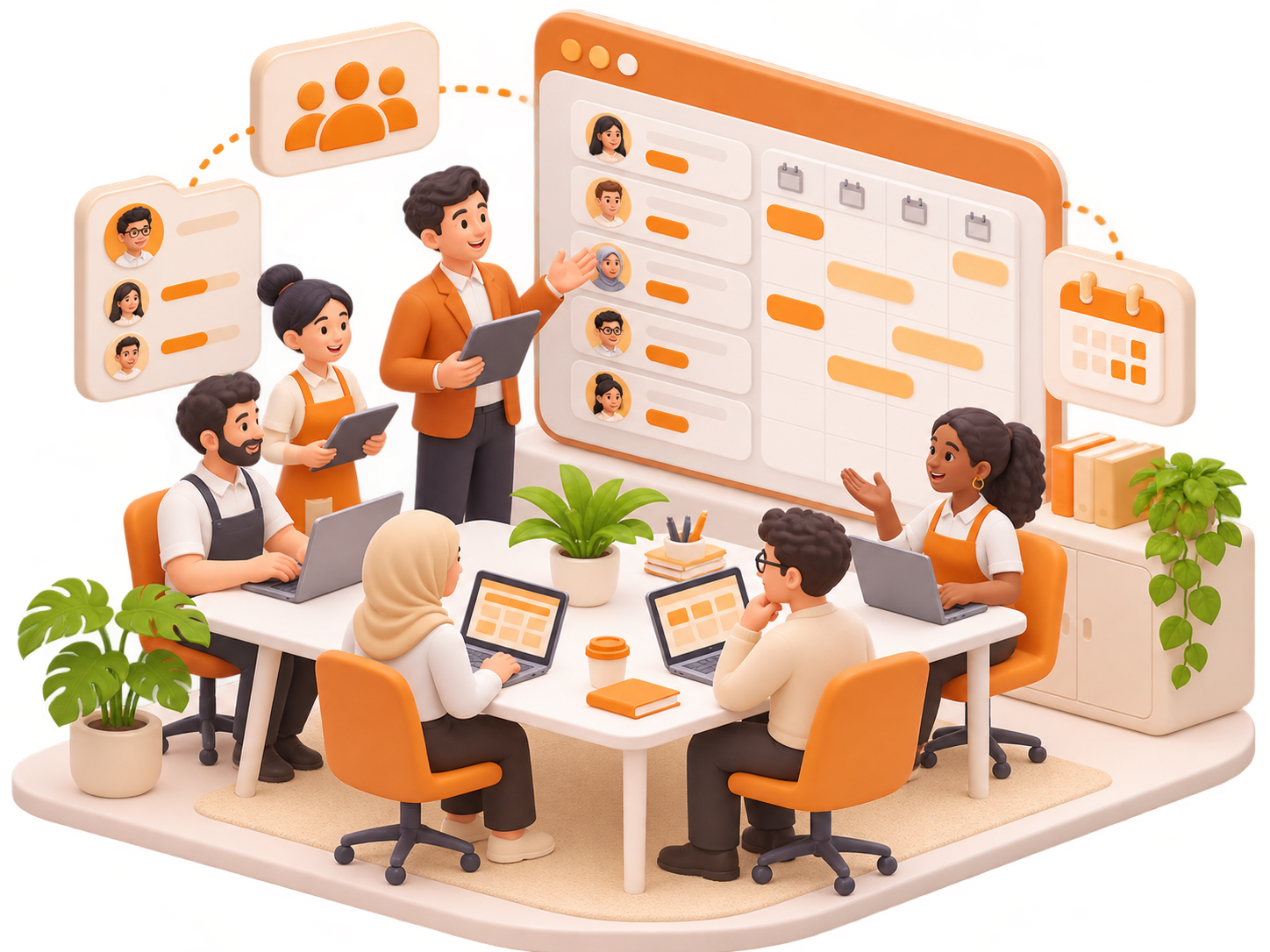
Owners, managers, staff and drivers, each with their own sign-in and what their role may do. Give someone a password and they choose their own at first sign-in.
- The owner works everywhere; others at their branches
- Refunds and voids kept to managers
- Someone with no branch yet sees nothing until given one
The shop API.
From the Starter planConnect your own website, your accounting or a delivery partner with an API key you control: read the menu, orders, sales and stock, and send orders to the POS.
- Keys scoped to read, or to place orders too
- Pinned to the stores you pick
- Revoked in one tap
Every paid order goes to your BasilBook books as a sale, and comes off again if it is refunded. Nobody types it in twice.
- Sales by day, as they are paid
- Refunds taken back off
- Set up once by the owner
Bring Bill&Go to your counter.
Tell us about your shop: how many branches, what you sell, and the printers you have. We'll help you set up and walk your team through the first shift.
Ready to start? Create your shop
Already with us? Sign in