




Two modern looks for your ordering page: Bento and Spotlight
Your pick-up page and Telegram Mini App can now take two more designed looks, made for a modern menu. Bento sets the menu as a grid of rounded tiles of mixed sizes. Spotlight shows one dish at a time, full-bleed, on a dark page with your brand color as its glow. Both take your brand color, work in light and dark, and are chosen in the store’s settings.
Your pick-up page and Telegram Mini App now have seventeen designed looks to choose from. This post covers the two newest, which are the most modern of them. Like the others, each takes your brand color as its accent and works in light and dark.
Two new looks
- Bento: the menu as a bento grid. Rounded tiles of mixed sizes on a quiet page: a dish worth it spans two columns, a photo fills its tile, the name and price sit over a soft shade, and the section titles are large. The lit section is a filled pill in your brand color.
- Spotlight: one dish at a time, full-bleed. Each dish is an edge-to-edge photo card at 4:5, its name and price large over a shade at the foot, with a round Add button floating in the corner. The sections float in a pill bar at the top. It is dark first, with your brand color as the glow behind it.
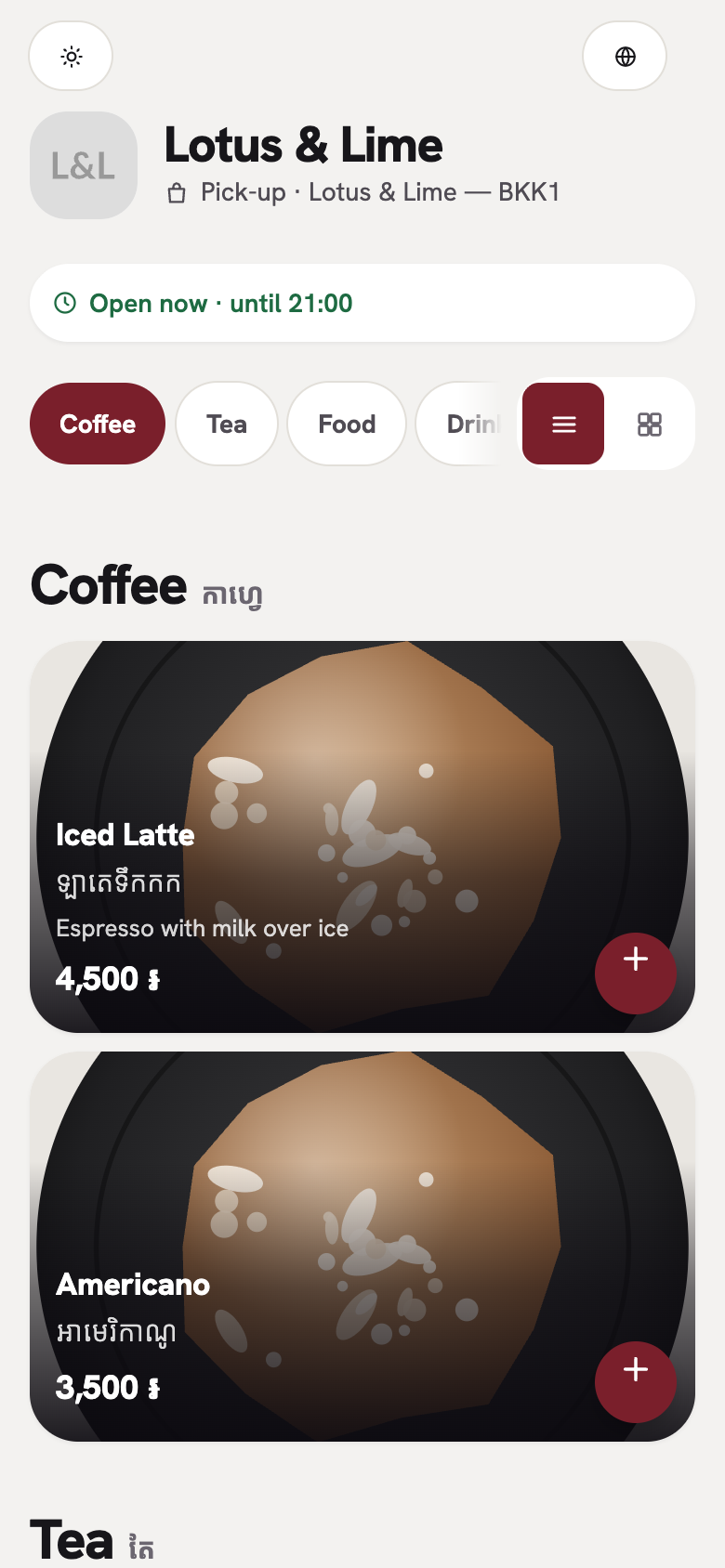
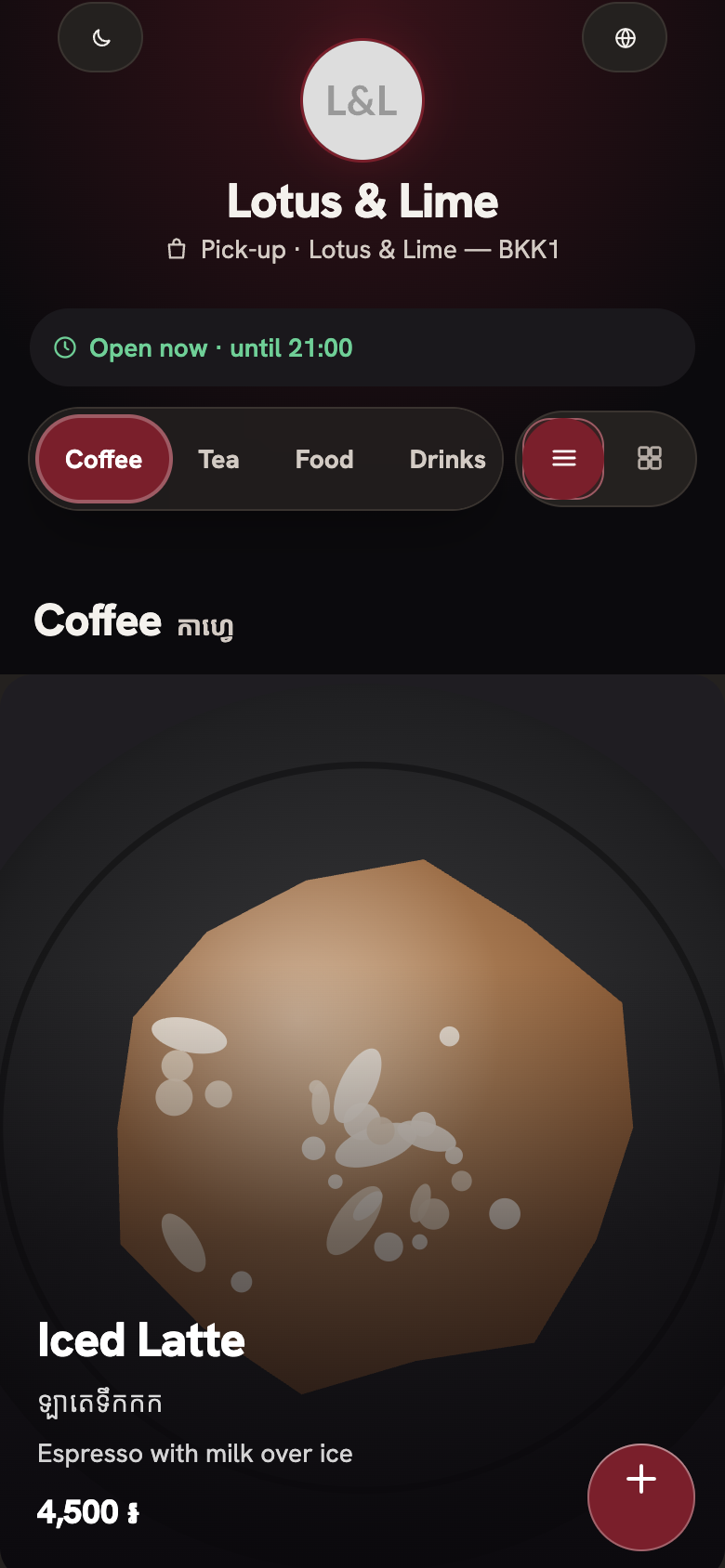
Here are the other two in their other mode. The customer chooses Auto, Light or Dark on the page.
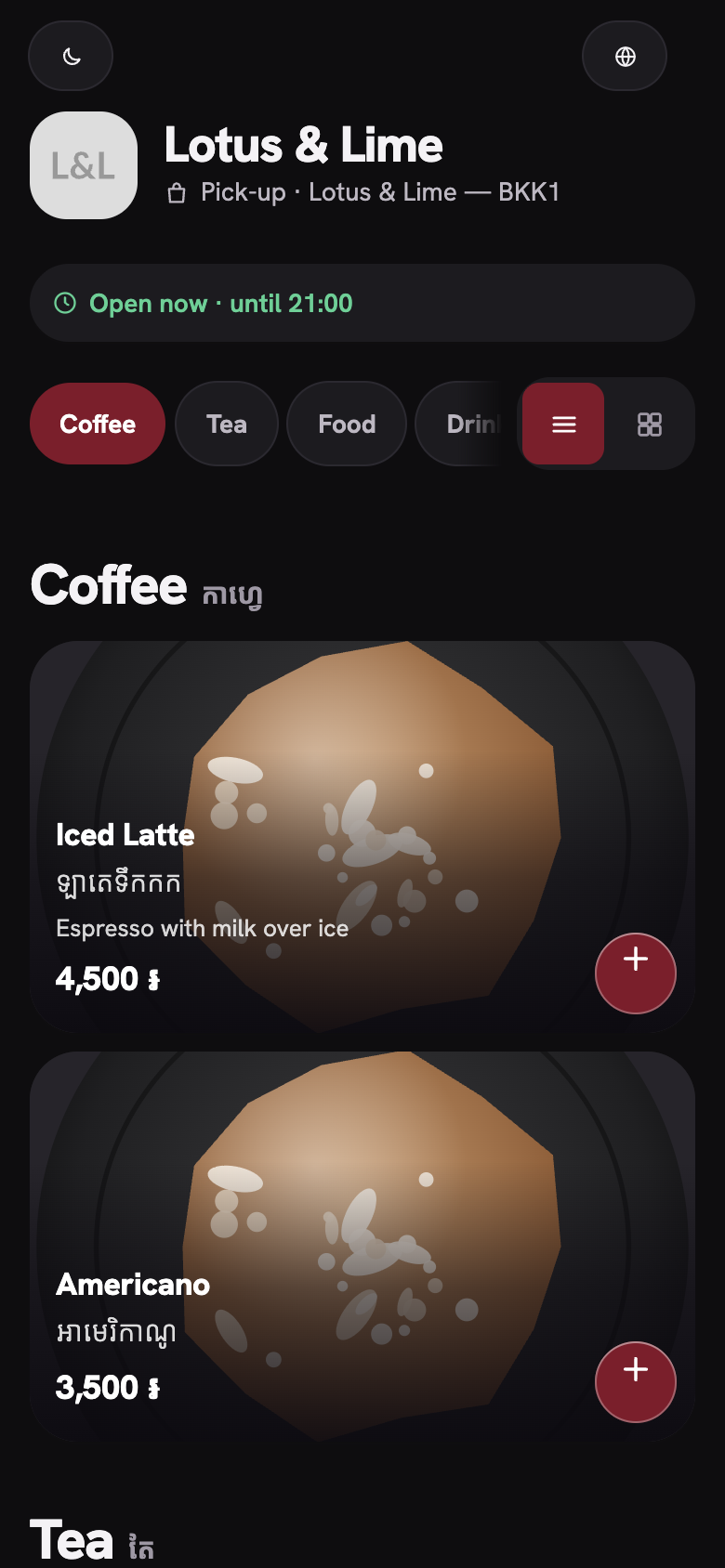
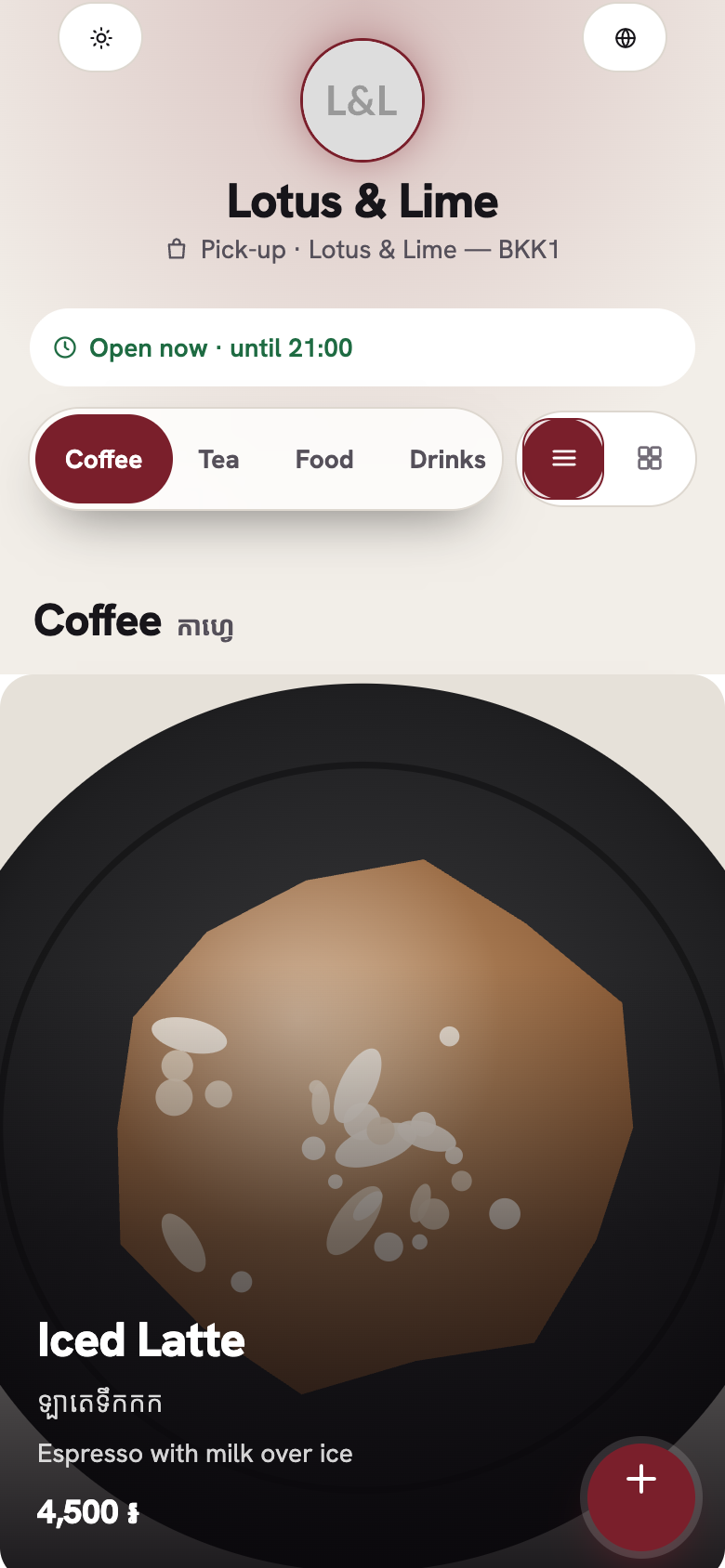
Which shop each one suits
- Bento suits a café, a bowl or noodle shop, or any menu with many dishes in a few sections. Its wide tiles give a signature dish room to show.
- Spotlight suits a restaurant or a bar with a few dishes worth a big photo, or a shop that wants each dish to be the first thing a customer sees.
Both looks are at their best with a photo of each dish. A dish without a photo shows a tinted tile with a bowl in it (Bento) or a glowing panel with the bowl (Spotlight), so the page still reads as the look.
Lists and grids
Each look keeps its own shape in both views. Bento packs the list and the grid into the same tiles. Spotlight shows one card per row in the list, and two across in the grid. Each dish and section title comes in as it scrolls into view, and when the phone’s Reduce Motion is on, nothing moves.
Starter and up
The two new looks come with Starter and up, like the other designed looks. A shop on Free keeps Follow Telegram, the default look.
Good to know. Page look comes with Starter and up, from $15.99 a month. See every plan on the pricing page.
Choose a look in the console
In the console, open the store’s settings and find Page look. The console shows each look as a preview before you choose it. The look belongs to the store, so each branch can have its own. The Telegram Mini App and the QR code can each have their own look (see how).
Questions
Do I need photos for Bento and Spotlight?
No. A dish without a photo still reads as the look: a tinted tile with a bowl in Bento, a glowing panel with a bowl in Spotlight. Photos make both looks shine.
Can I turn off the fade-in?
The fade-in follows the customer’s phone: when Reduce Motion is on, nothing moves. What is on the screen when the page opens never waits.
Which looks come with the Free plan?
Free shops keep Follow Telegram, the default look. Bento and Spotlight come with Starter and up, like the other designed looks.
Still stuck?
Tell the Bill&Go team in Phnom Penh what you were trying to do, and we'll walk you through it.