




Add a product
Put a dish or drink on the menu with its price, photo, Khmer name and choices.
- Who
- Owner and managers
- Where
- Console → Catalog → Products → New product
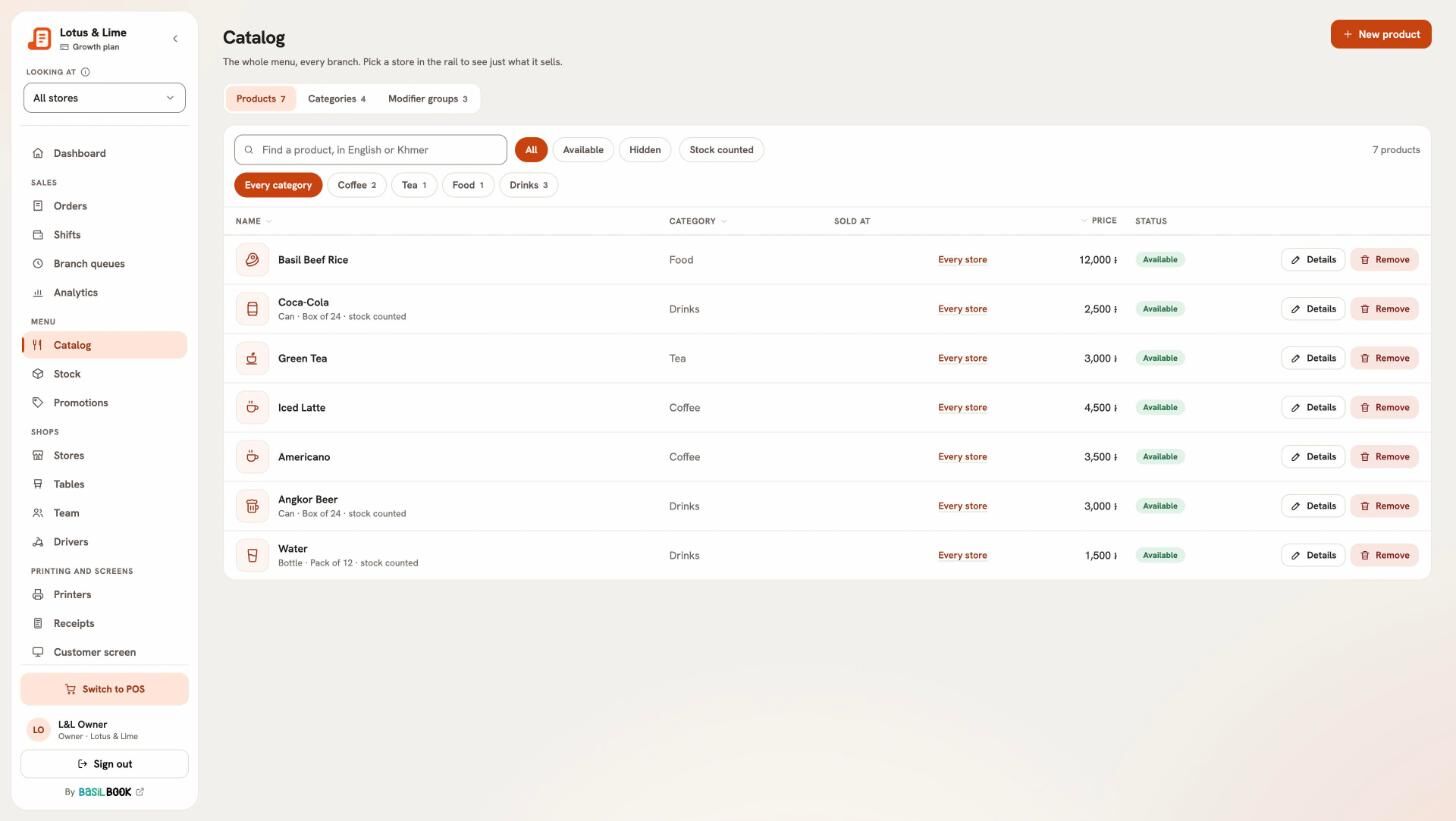
- Open Catalog and press New product.
- On Details: Choose a photo (up to 3 MB), type the Name and Khmer name, the Price (before any add-ons), and pick the Category.
- On Options, pick the Modifier groups it has, like Sugar level or Size. You can make a new one from here.
- With more than one store, under Where it is sold, pick the Stores. Leave it empty for every store.
- Press Add product.
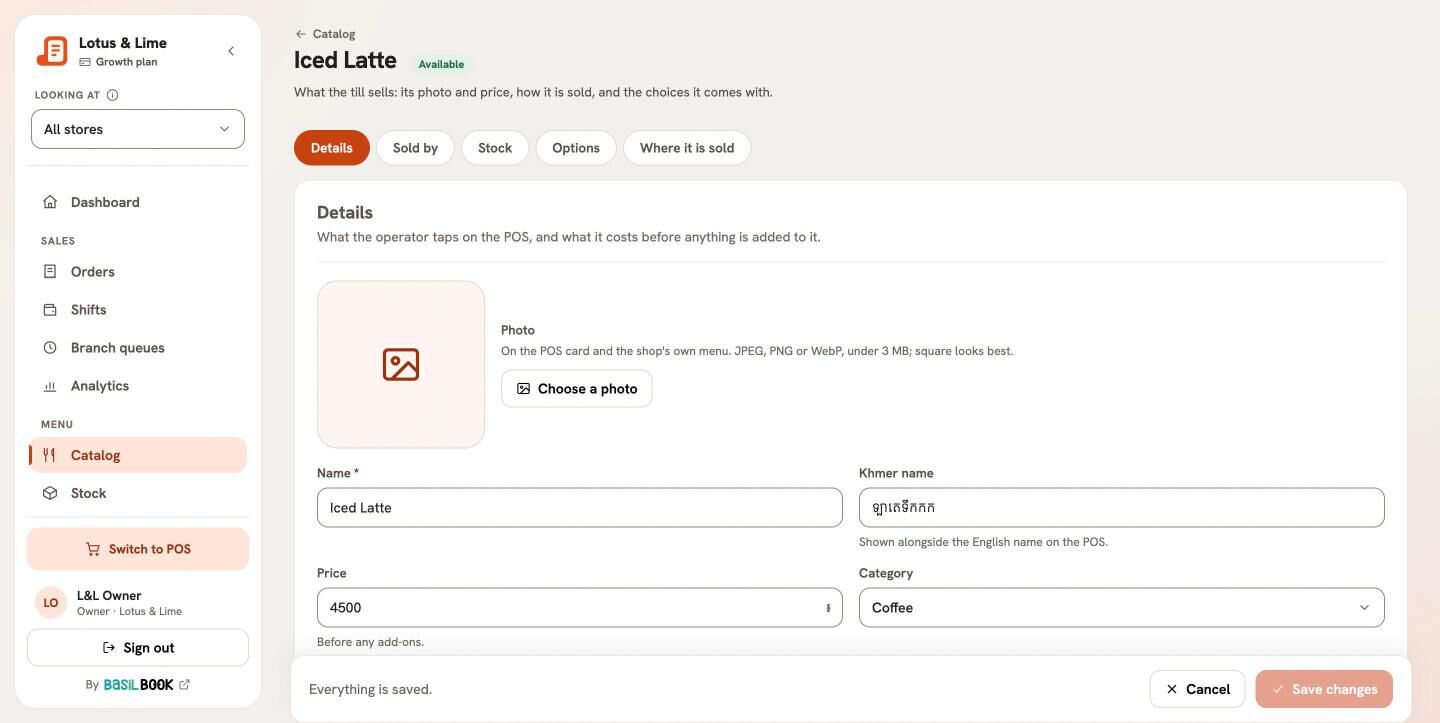
Hide a product for a while
Turn Available off. A hidden product does not appear on the till, but keeps its sales history. Turn it back on when it is back.
Sold by the can, bottle or pack
On Sold by, say what One is called (Can, Bottle…) and add packs with How many and their Price, like a six-pack. The till asks which when it is added.
Good to know. A product has one price for every store. A store can only narrow what it sells, not change the price.
Tip. Find products quickly with the search: it reads English and Khmer names.
Still stuck?
Tell the Bill&Go team in Phnom Penh what you were trying to do, and we'll walk you through it.